

One Browser

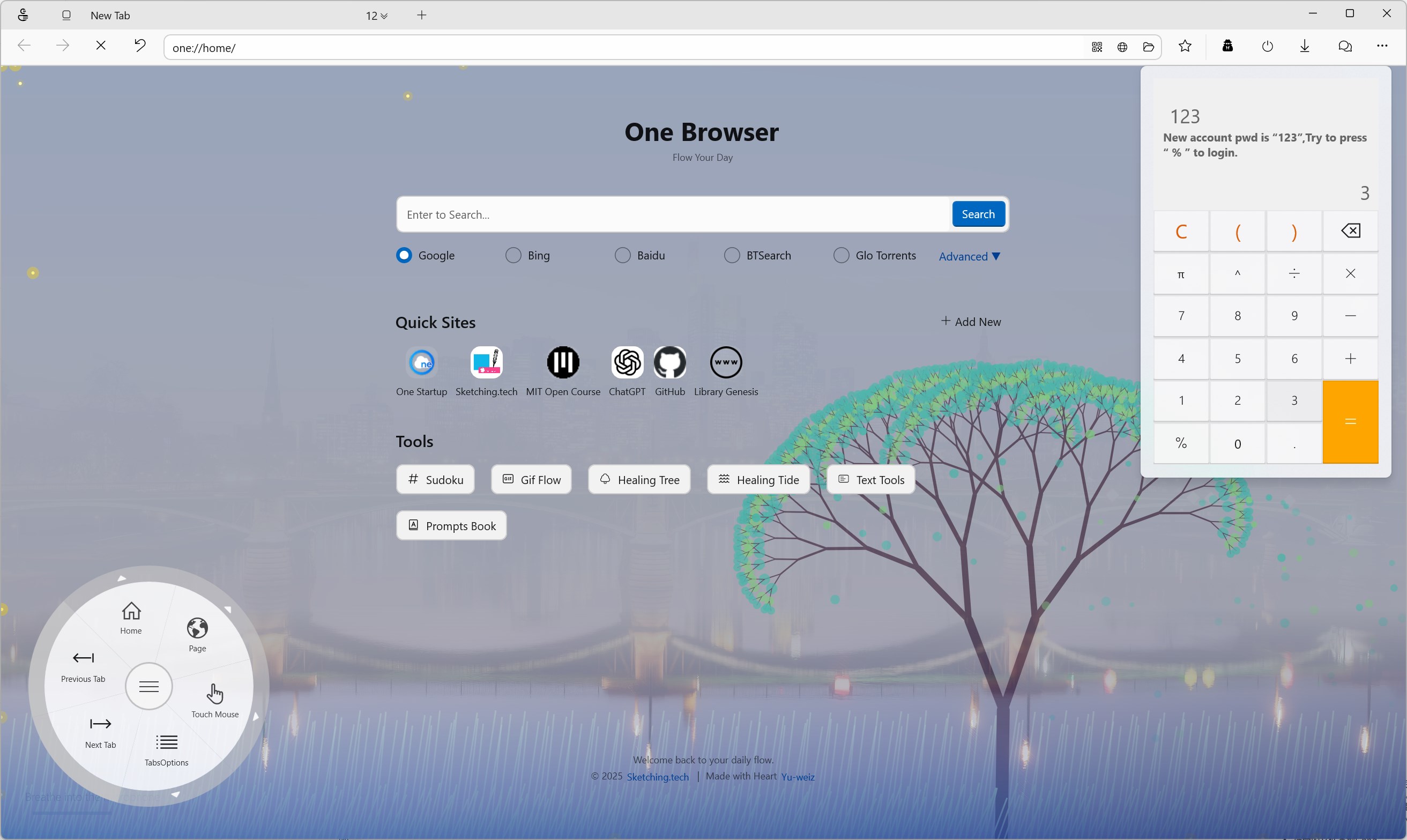
Discover One Browser, a lightweight utility browser for Windows. Read our full review of its unique multi-tool features and touch-friendly media controls.
An Alternative Approach to Desktop Browsing
The One Browser utility web tool by developer Yu-weiz reimagines what a lightweight internet browser can do when paired with built-in productivity features. Rather than trying to compete directly with resource-heavy giants like Chrome or Microsoft Edge, this Windows application positions itself as a nimble, specialized companion browser. It is designed specifically for users who need a fast, touch-friendly interface alongside integrated utilities that usually require third-party extensions.
Key Features of the One Browser Utility Web Tool
What makes this application distinct is its curation of built-in features that streamline daily web tasks. Here are the standout capabilities included in the package:
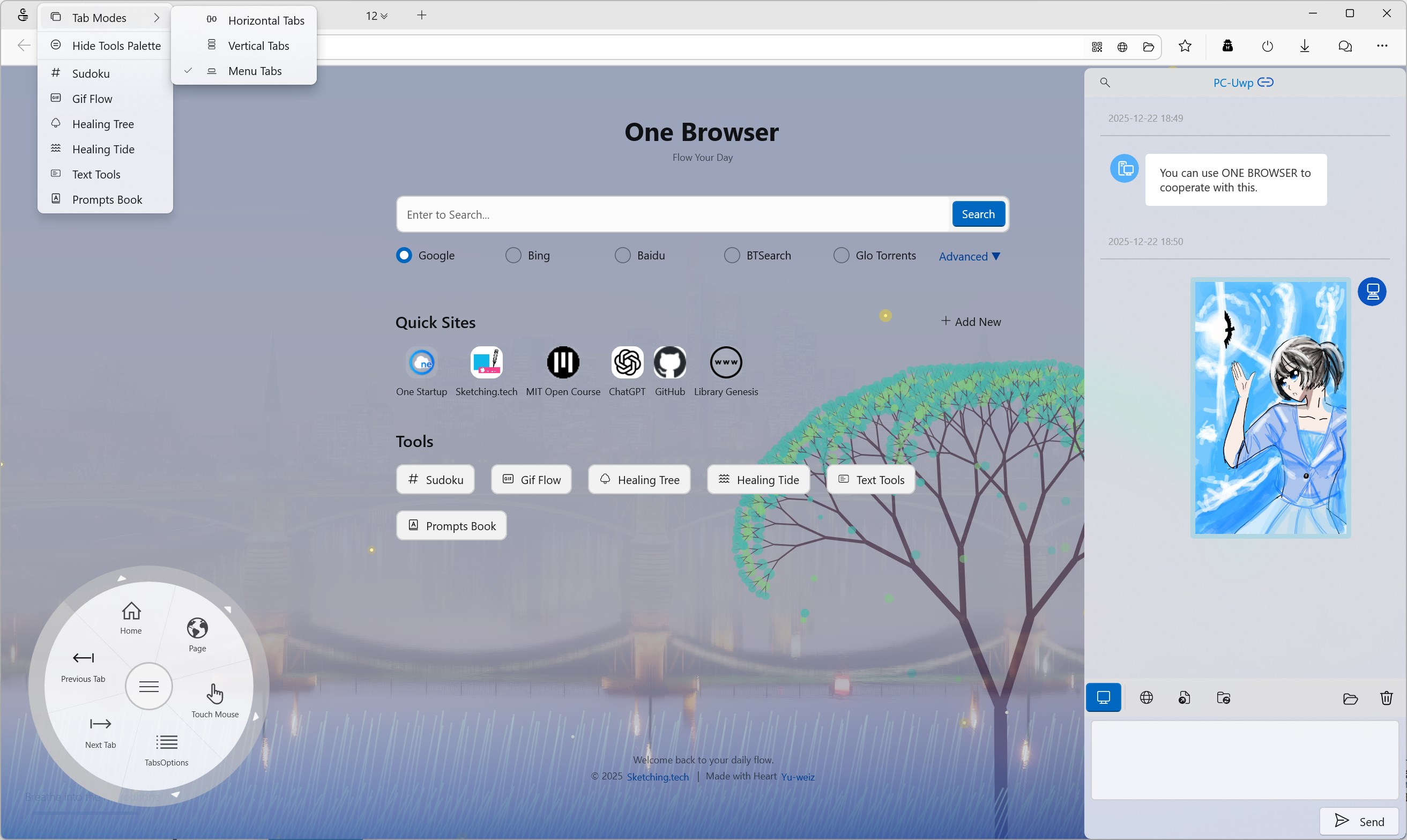
- Seamless Cross-Platform Sharing: Quickly transfer files and send messages between your Windows PC and your iPhone or other devices without complex setups.
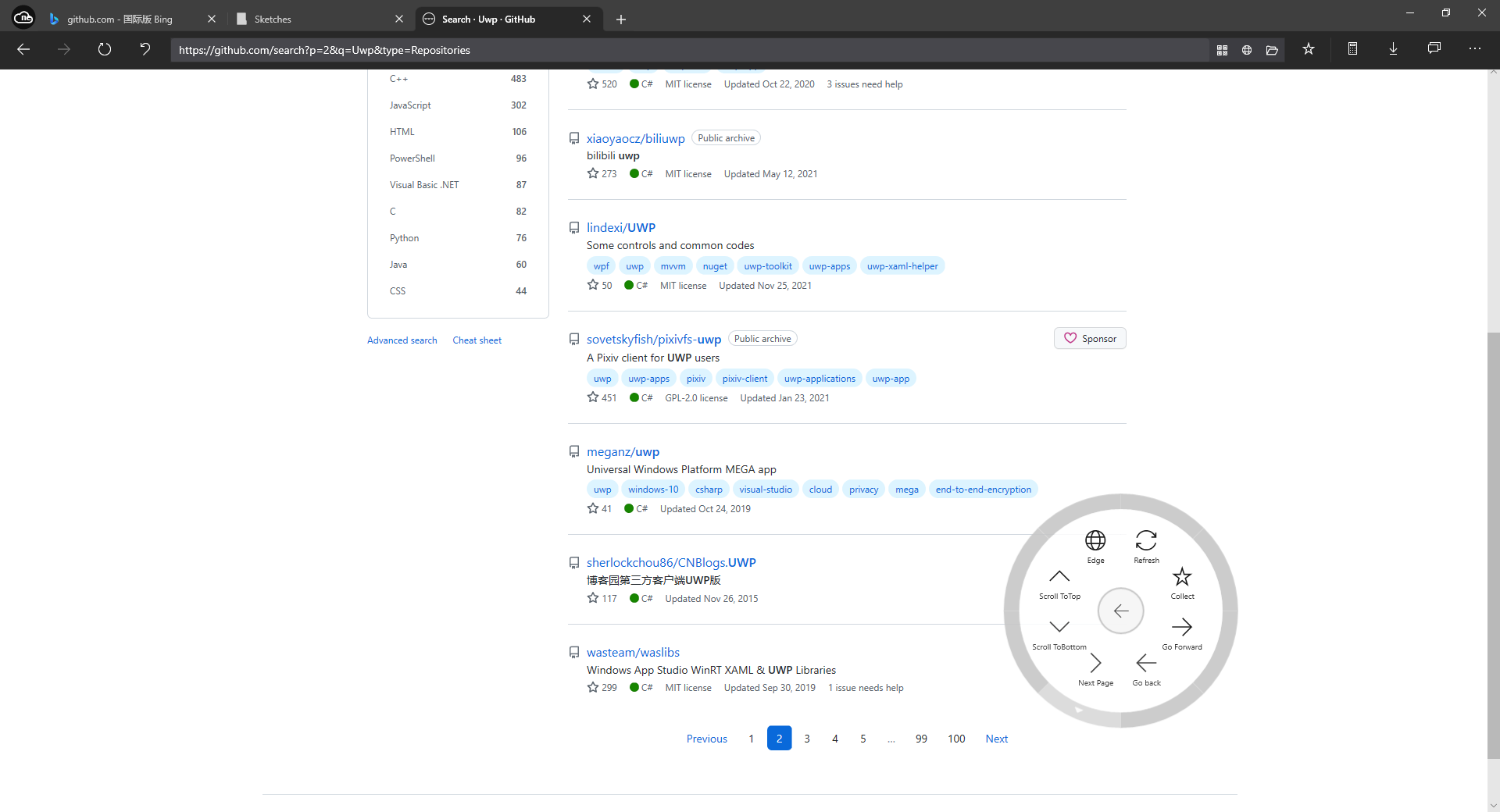
- One-Handed Disc Control: Utilize a unique, circular disc menu designed for effortless navigation and control, which is particularly useful on tablet screens and touch displays.
- Full Page Archiving: Save complete web pages locally with a dedicated capture tool, ensuring you do not lose important offline information.
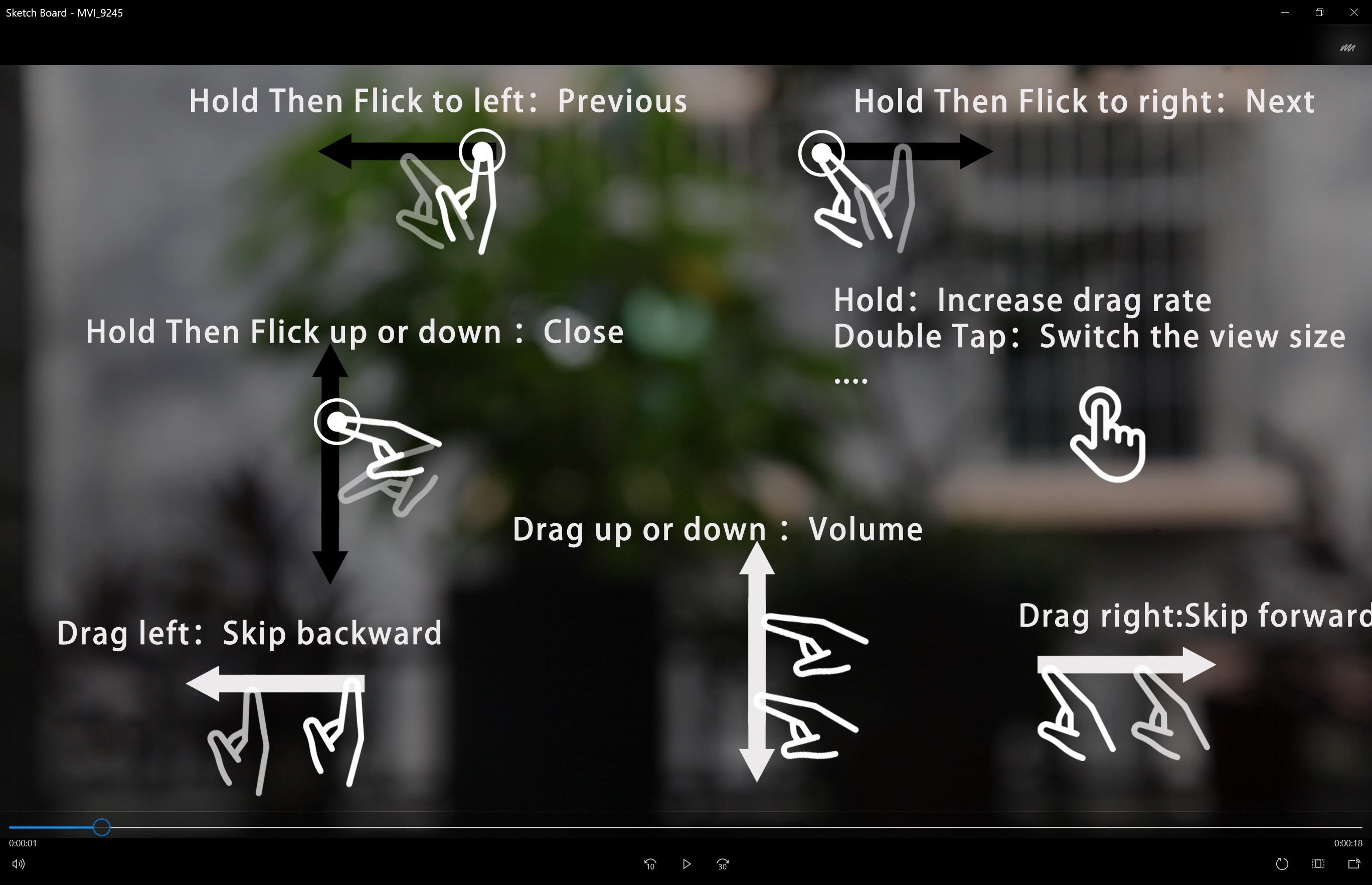
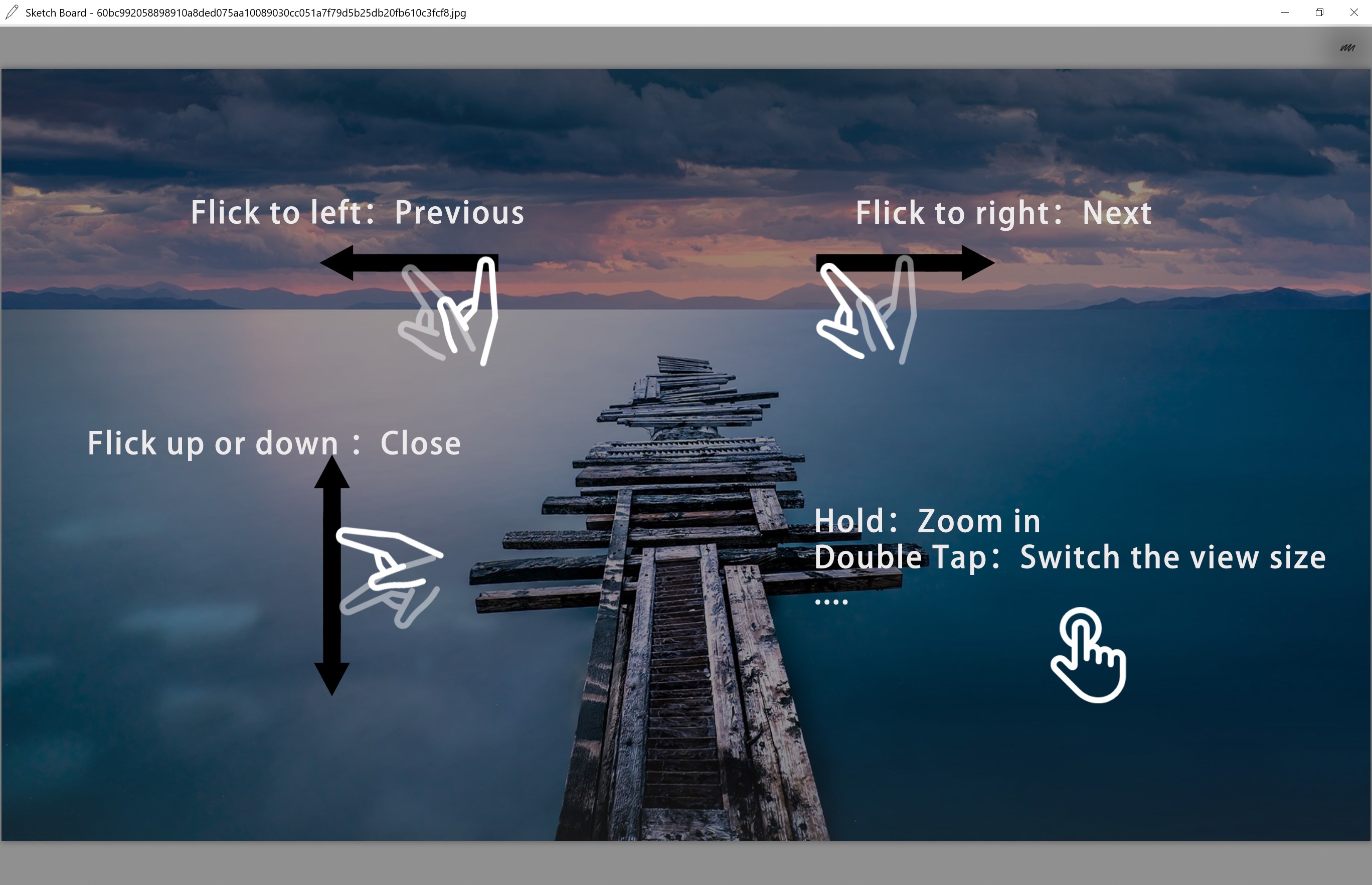
- Touch-Optimized Media Viewers: Enjoy a highly responsive image viewer and video player designed to react smoothly to touch gestures.
- Encrypted Privacy Space: Secure your sensitive local files in a dedicated, password-protected folder built directly into the application environment.
Who Is This Browser For?
The One Browser utility web tool is highly suited for Windows tablet users and those with 2-in-1 touchscreen laptops. Its touch-centric media players and the innovative one-hand control disc make navigating the web without a physical mouse or keyboard remarkably fluid. Additionally, users looking for a lightweight secondary browser to handle quick cross-device file sharing or private file encryption will find these integrated tools incredibly convenient.
Subscription and Premium Features
While the core browsing experience and basic utility tools are free to use, the developer offers an optional paid subscription. Upgrading to the premium tier unlocks the fully functional privacy spaces for advanced file encryption and grants access to collaborative workspace tools. This allows you to scale the application's capabilities depending on your workflow requirements.
Final Verdict
If you need a heavyweight browser for complex web development, this might not be your primary choice. However, as an auxiliary browser packed with practical tools, cross-device sharing, and excellent touch controls, it excels in its niche. To explore this unique toolset for yourself, head over to the official Microsoft Store to view the application details and try it on your Windows device.