

Object Removal AI Retouch
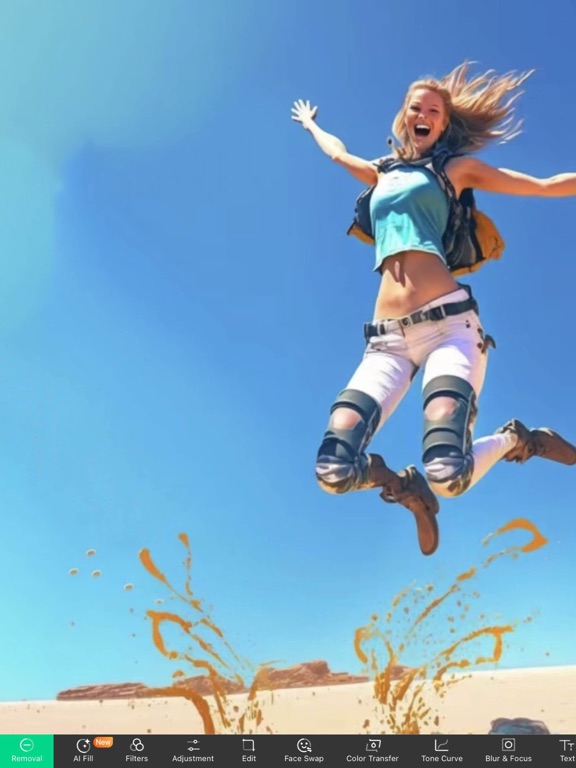
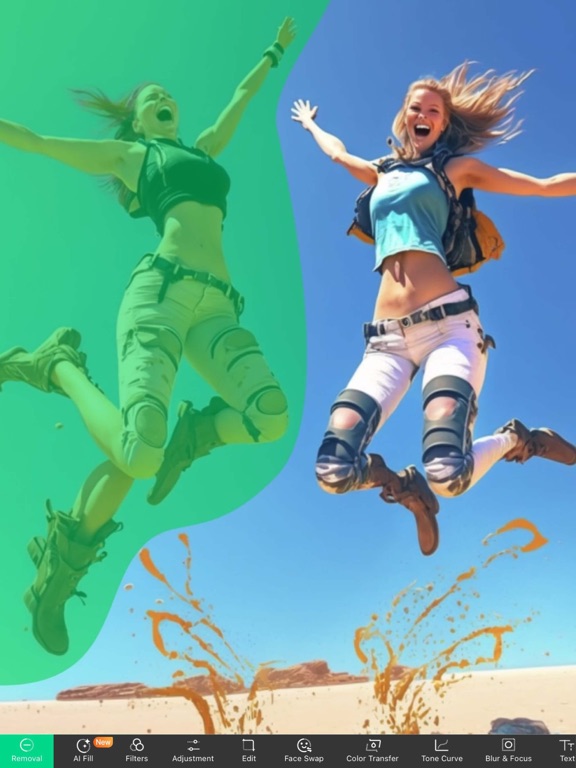
Read our comprehensive review of Object Removal AI Retouch for Mac. Discover how this AI-powered design tool effortlessly erases unwanted elements from your photos.
A Flawless Shot Ruined? Here is the Fix
Imagine capturing the perfect landscape on your Mac, only to notice a stray tourist, an unsightly power line, or a random piece of trash cluttering the background. Manually editing these imperfections out used to require professional software and hours of meticulous brushwork. With Object Removal AI Retouch, a specialized design utility developed by 煦慧 蒙, you can clean up your images in seconds using advanced artificial intelligence.
What is Object Removal AI Retouch?
Object Removal AI Retouch is an AI-driven photo editing and retouching application designed for the Mac platform. Classified under the design category, this tool specializes in identifying and erasing unwanted elements from your digital photos. Beyond simple object elimination, it leverages intelligent generative algorithms to reconstruct the background seamlessly, making it look as though the intrusion was never there in the first place.
Key Features and AI Capabilities
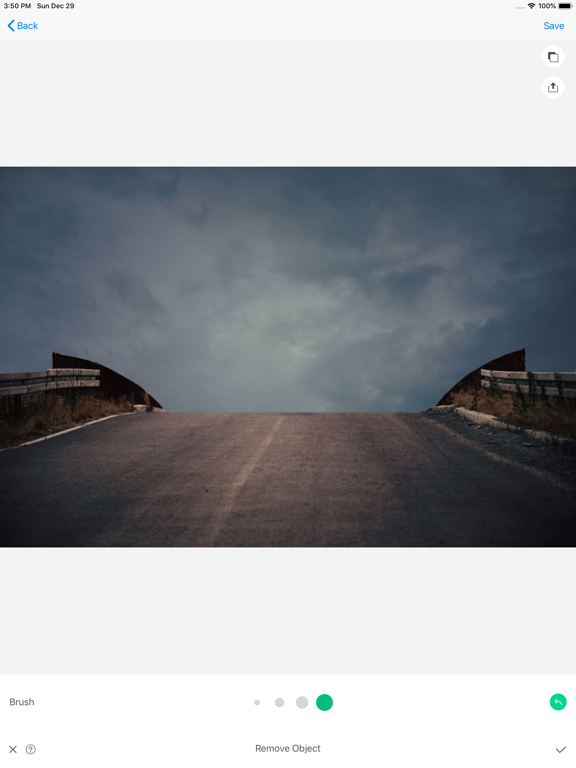
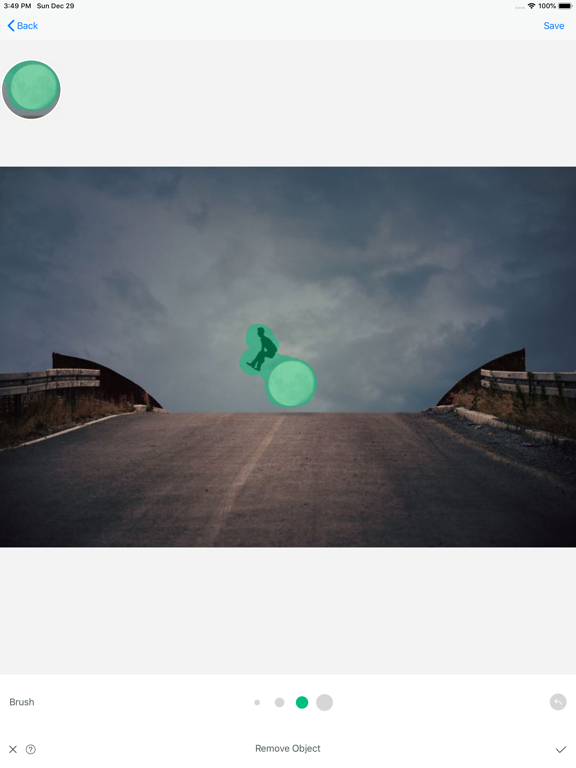
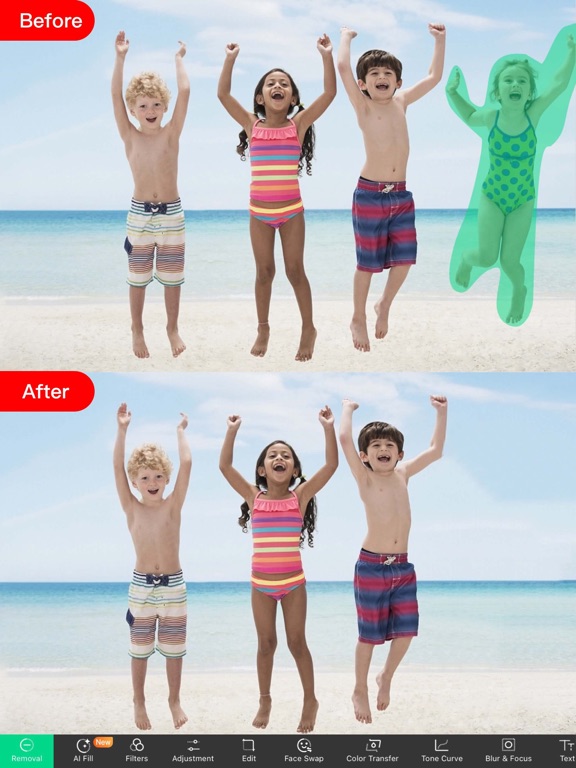
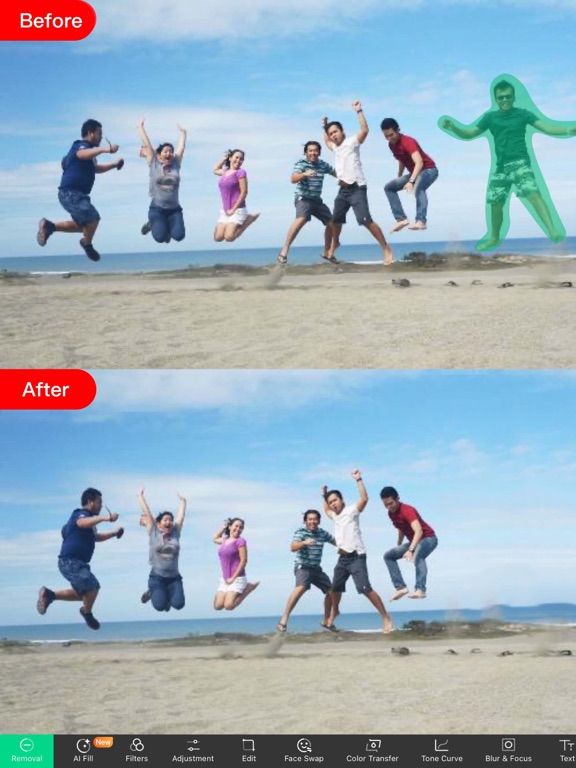
- The Magic Eraser: Simply brush over unwanted people, buildings, text, or blemishes, and watch the AI instantly calculate and fill in the missing pixels.
- AI FaceHD: Enhance facial clarity, eliminate blur, and smooth out minor skin imperfections with a single tap.
- Intelligent Cutouts & Backgrounds: Isolate subjects or completely swap out backgrounds to change the context of your photos.
- Creative AI Tools: Generate AI art and music from text prompts, blend photos, or transform still images into dynamic video clips using AI MotionPix.
Who is This Application For?
This software is tailored for content creators, social media managers, and casual photographers who use macOS. If you need quick, high-quality photo cleanups without the steep learning curve of complex graphic suites, this application offers an intuitive, automated alternative. It is particularly useful for real estate listings, e-commerce product photos, and personal portrait retouching.
Pros and Cons
Pros:
- Extremely user-friendly interface with automated brush-and-erase mechanics.
- Diverse feature set including background swapping, collages, and AI-generated media.
- Fast processing times directly on your Mac.
Cons:
- Advanced features and unlimited use require a premium subscription (weekly or yearly options).
Final Verdict
Object Removal AI Retouch successfully removes the friction from photo editing. Its powerful suite of AI-guided tools makes it incredibly easy to elevate your visual content directly from your desktop. To try the application for yourself and explore its premium features, head over to the Mac App Store to view its official product page.