

Userscripts: Run Custom Code in Safari
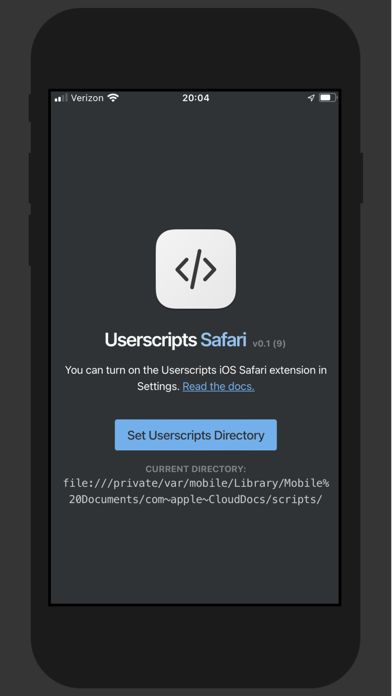
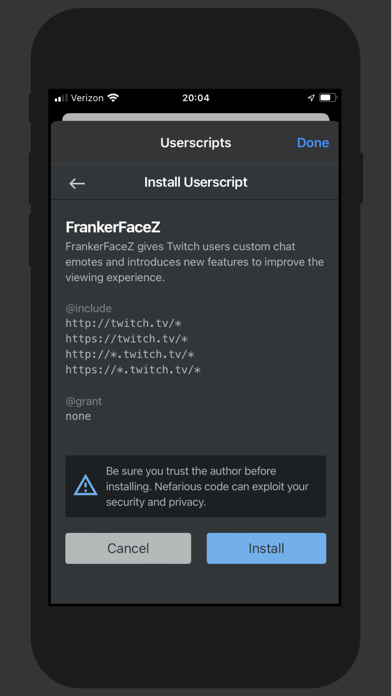
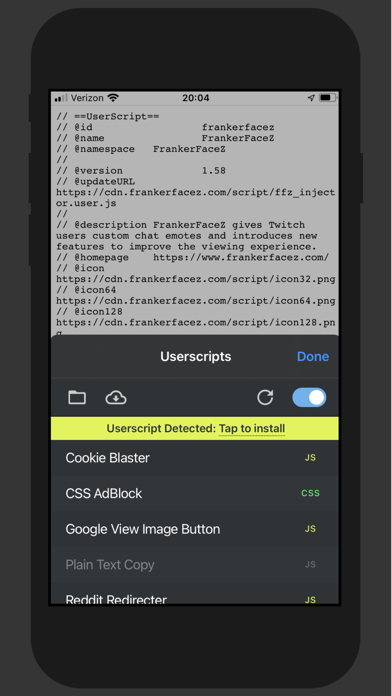
Discover the power of the Userscripts Safari extension for Mac. Read our review on how to execute custom JavaScript and CSS to control your web browsing.
The Userscripts Safari extension is a powerful, open-source tool designed for Mac users who want absolute control over their web browsing environment. Created by developer Justin Wasack, this utility bridges the gap between static web pages and personalized web experiences by allowing you to execute custom JavaScript and CSS stylesheets on any website you visit.
What is the Userscripts Safari Extension?
At its core, the Userscripts Safari extension acts as a secure container for user-defined scripts. Whether you want to fix a broken layout on a frequently visited blog, automate form entries, or bypass annoying webpage redirections, this tool gives you the framework to run arbitrary code safely inside Apple's native browser.
Key Features and Capabilities
Unlike many bloated browser add-ons, this utility remains highly optimized for macOS. Here is what makes it a standout choice for power users:
- True Open-Source Transparency: The entire codebase is audited by the community, ensuring there are no hidden vulnerabilities.
- Zero User Tracking: Your data remains entirely yours. The extension does not collect, log, or transmit your browsing habits or script configurations.
- Custom Code Injection: Seamlessly inject custom JavaScript to alter site behaviors or API interactions on the fly.
- Tailored Styling: Apply custom CSS stylesheets to force dark modes, hide distracting sidebars, or change fonts on any domain.
- Page Redirection: Set up automated rules to redirect mobile URLs to desktop versions or bypass intermediate tracking links.
Who is This Mac Extension For?
While developers will immediately appreciate the ease of testing code snippets directly in Safari, the Userscripts Safari extension is equally valuable for everyday web enthusiasts. If you are tired of relying on heavy, resource-intensive extensions for simple tasks like basic ad-blocking or element hiding, writing or importing a lightweight script through this extension is a far more elegant solution.
An Editorial Verdict on Performance
In a browser ecosystem where extension options can sometimes feel limited compared to other platforms, this tool brings developer-level customization to Safari on Mac without compromising on system performance or user privacy. It integrates cleanly into the macOS environment, offering a minimal footprint and a straightforward user interface.
If you are ready to elevate your browsing experience and tailor the web to your exact preferences, you can find more details and access the official download link on the Apple App Store.