
Platenote
An in-depth review of Platenote, the ultimate recipe note taking app. Learn how to organize meals, manage ingredients, and plan menus on your Mac.
The Modern Kitchen Companion for Mac
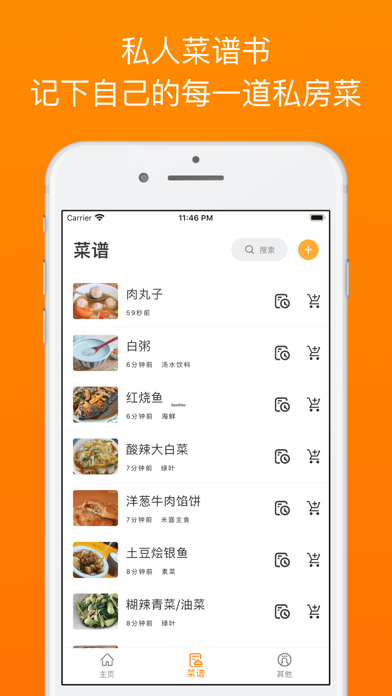
Organizing your culinary life can be a challenge when recipes are scattered across websites, notebooks, and screenshots. The Platenote recipe note taking app offers a structured, elegant solution designed specifically for Mac users who want to build a personalized digital cookbook. Developed by 子盈 许, this lifestyle application goes beyond simple text editing, providing a dedicated space to document, refine, and plan your culinary creations.
Flexible Input Modes for Seamless Recipe Creation
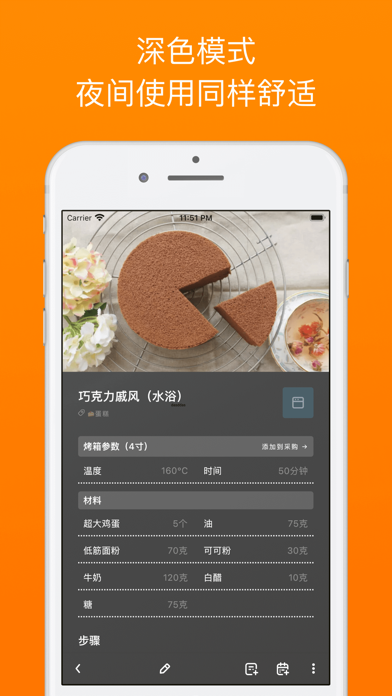
One of the standout features of the Platenote recipe note taking app is its highly flexible data entry system. Instead of forcing you into a rigid template, the app supports multiple input methods to suit how you work:
- Normal Mode: Perfect for standard step-by-step entry.
- Text Mode: Ideal for quickly pasting raw text from blogs or emails.
- Word Separation Mode: A smart way to isolate ingredients and quantities efficiently.
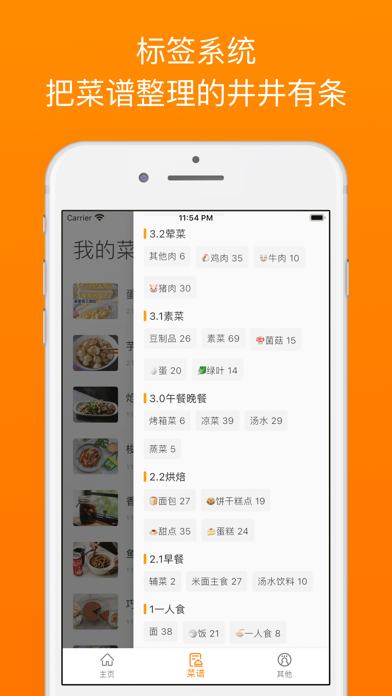
Additionally, the app supports a robust secondary tagging system. This allows you to categorize your dishes not just by basic types (like "Dinner"), but with deeper custom tags (such as "Low-Carb" or "Quick Prep"), making your library incredibly easy to search.
From Recipe Archive to Smart Meal Planning
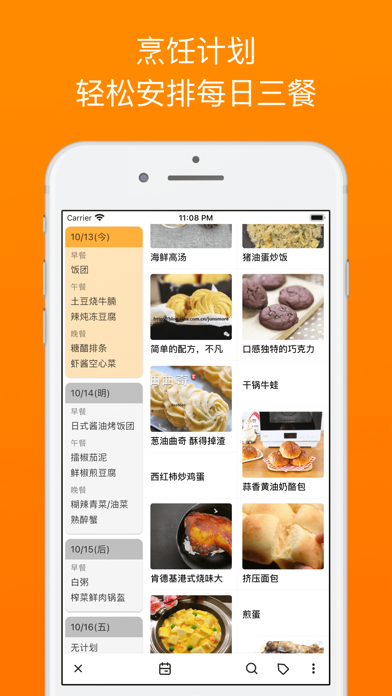
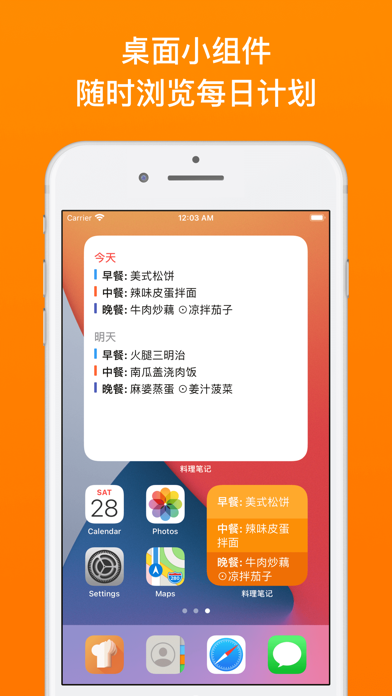
Platenote is not merely a digital filing cabinet; it actively helps you manage your weekly nutrition. The intuitive schedule planning interface allows you to organize three meals a day with a layout that feels as simple as ordering from a menu. If you prefer a hands-off approach, the built-in automated planning feature can generate meal schedules based on your pre-defined conditions.
Once your meals are planned, the app helps compile your shopping requirements into structured purchase lists, bridging the gap between kitchen preparation and grocery shopping.
Sharing and Exporting Options
For home chefs who love to collaborate or share their successes, Platenote supports versatile export formats. You can easily share your recipes as clean images, standard Markdown files, or CB1 files. This ensures your data remains portable and easy to send to friends or family members on other platforms.
Who is Platenote For?
This software is highly recommended for home cooks, meal preppers, and culinary enthusiasts who use macOS. If you want a distraction-free, highly organized environment to store preparation tips, track adjustments to ingredients, and automatically generate grocery lists, this utility provides the exact structural tools you need.
To experience this streamlined approach to kitchen organization, you can explore the app and its premium subscription options directly on the official Apple Mac App Store.