
MultiMessenger
Read our comprehensive review of MultiMessenger, the Windows desktop app that unifies WhatsApp, Telegram, and Discord into a single, organized interface.
Why MultiMessenger is a Game-Changer for Desktop Chat Management
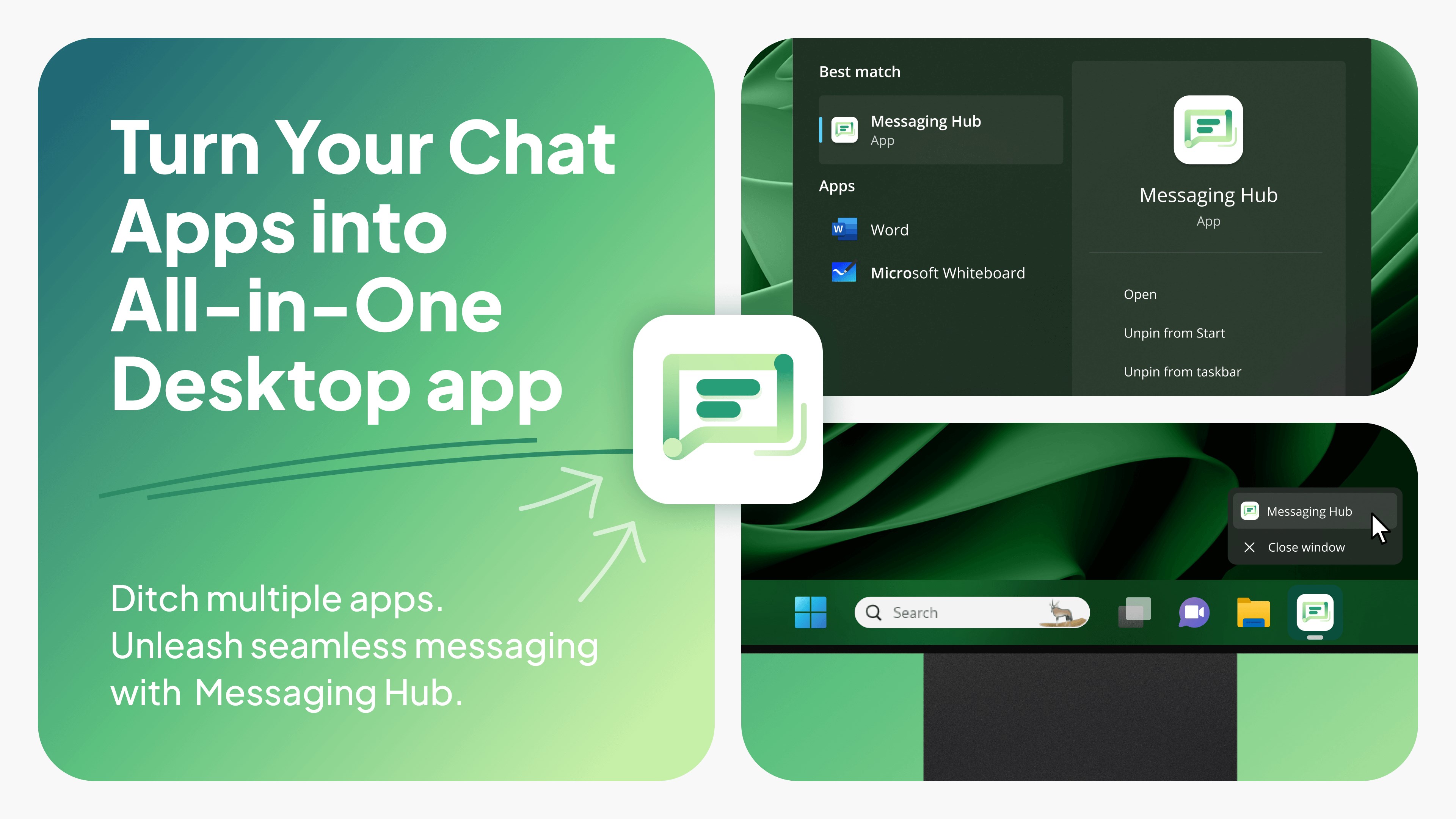
Managing multiple chat networks can quickly turn your desktop into a chaotic mess of browser tabs and flashing taskbar icons. The MultiMessenger desktop chat aggregator solves this exact problem by consolidating your entire communication suite into a single, streamlined Windows application. Developed by Wuxxu, this tool is designed specifically for professionals, remote workers, and social power users who need to monitor multiple chat streams without losing focus.
Consolidating Your Communication Ecosystem
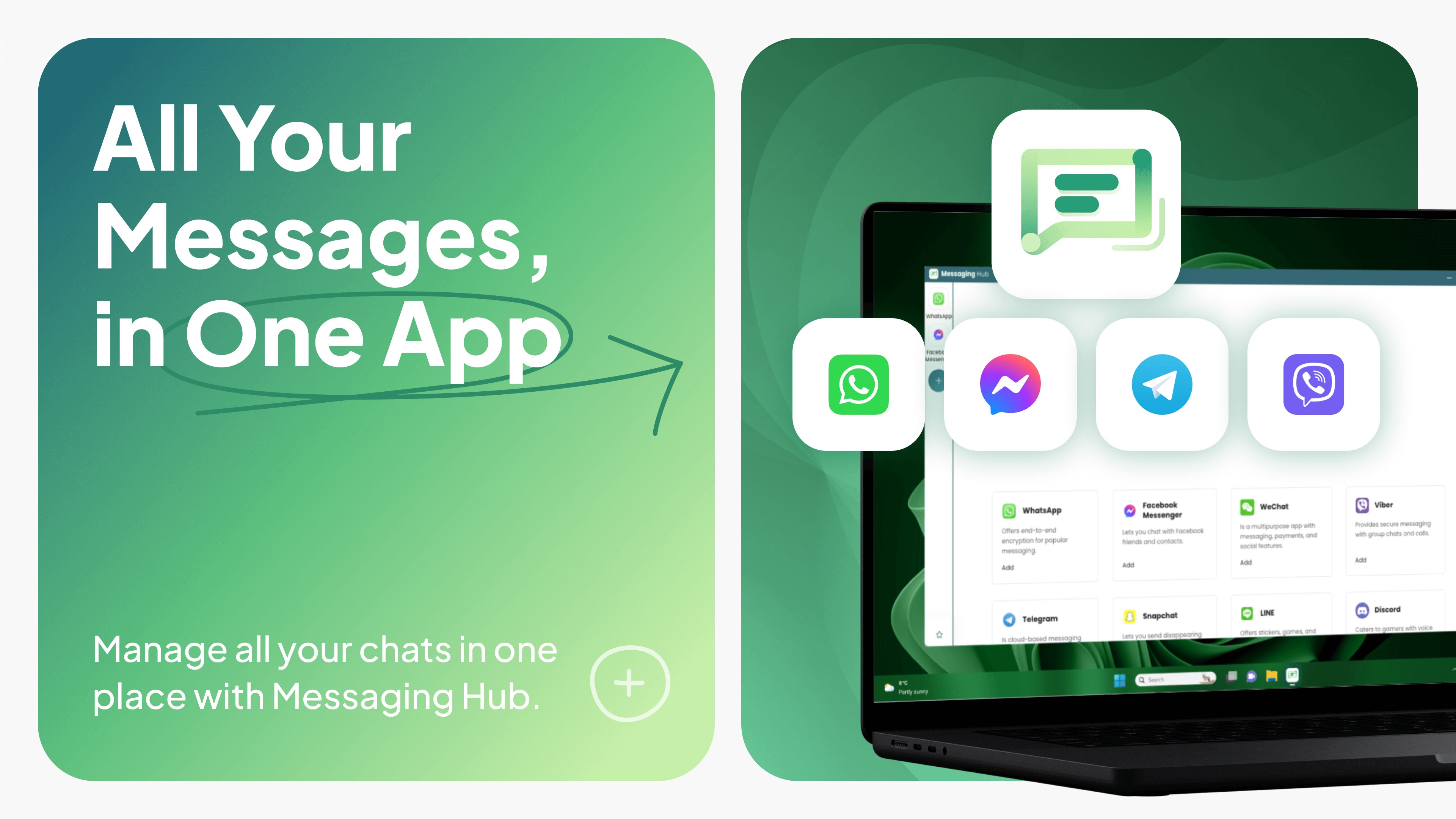
Instead of running separate resource-heavy applications or leaving endless browser tabs open, the MultiMessenger desktop chat aggregator acts as a unified hub. It brings together your most critical communication channels under one roof. The platform supports an impressive roster of services, including:
- Major Messengers: WhatsApp (including WhatsApp Business), Facebook Messenger, Telegram, WeChat, Viber, and Signal.
- Professional Hubs: Slack, Microsoft Teams, and Skype.
- Community & Social Platforms: Discord, Snapchat, Line, and KakaoTalk.
Key Features Built for Efficiency
What makes this app stand out is its thoughtful approach to user experience. Here is what makes the MultiMessenger desktop chat aggregator a compelling addition to your workflow:
True Multi-Account Support
One of the biggest pain points of standard web interfaces is the inability to log into multiple profiles simultaneously. MultiMessenger allows you to easily switch between different accounts of the same service. This makes it incredibly simple to keep your professional Slack or WhatsApp Business accounts distinct from your personal chats, all within the same application window.
A Focused, Browser-Free Workspace
By moving your conversations out of your web browser, you eliminate the temptation of unrelated tabs. This dedicated desktop environment reduces RAM usage and prevents accidental closure of critical chat windows during busy workdays.
Clean and Intuitive Interface
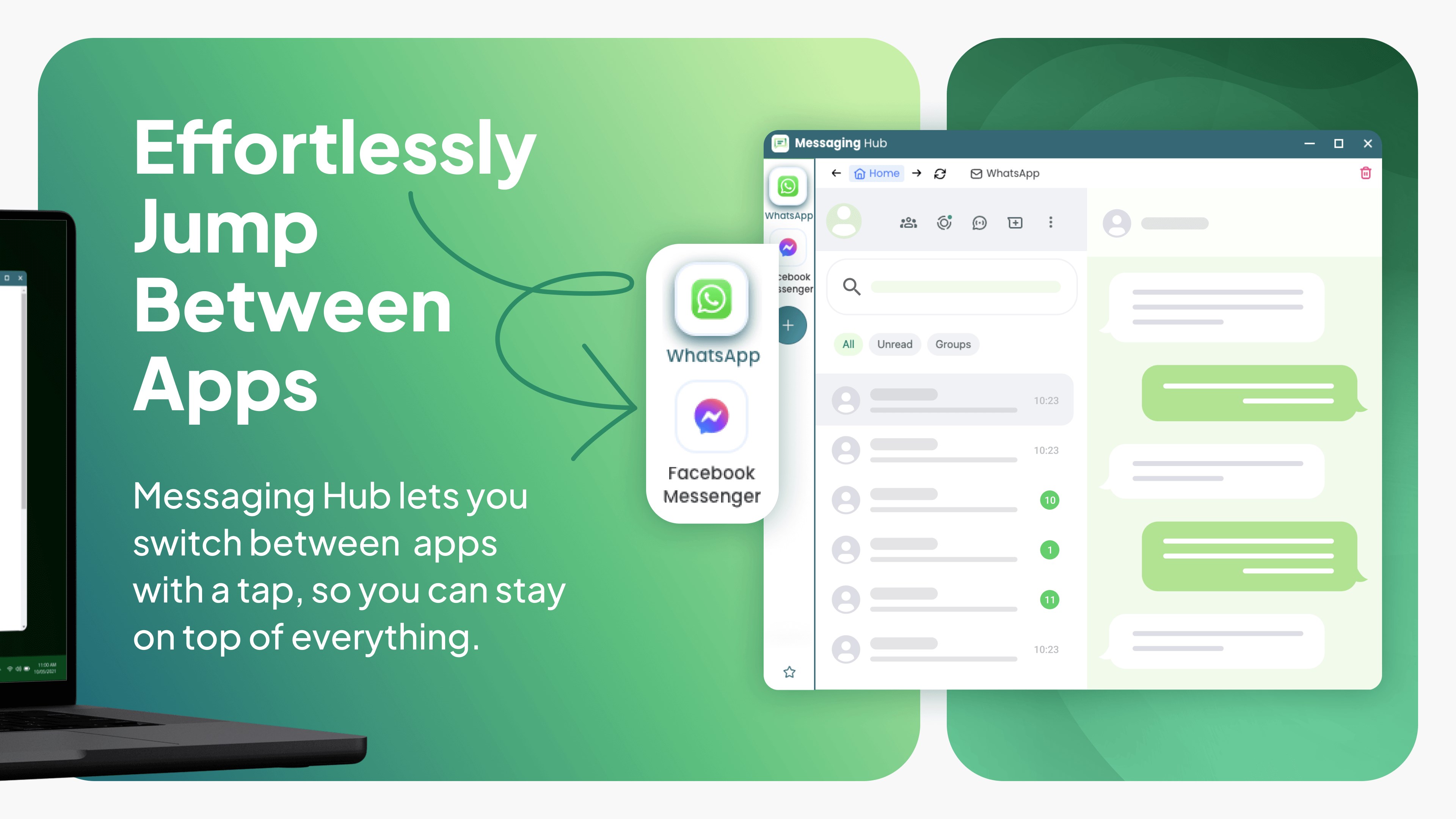
The layout is built for rapid navigation. A sidebar lists your active services, allowing you to jump from a client thread on Teams to a quick update on Telegram with a single click. The design feels native to Windows, ensuring a smooth and responsive experience.
Who Benefits Most From MultiMessenger?
This utility is particularly beneficial for social media managers handling client accounts, freelancers coordinating with different teams across separate platforms, and anyone tired of notification overload. By centralizing your incoming messages, you can set dedicated times to check your inbox, streamlining your daily workflow and boosting overall productivity.
Find Out More
If you are ready to reclaim your desktop workspace and stop hunting through browser tabs for missing messages, this utility is well worth your consideration. You can explore the application details and read user reviews by visiting the official Microsoft Store page today.