
Expense-Tracker
Read our comprehensive review of the Expense-Tracker personal finance app. Discover how this Windows tool helps you monitor your budget, income, and savings.
Taking Control of Your Monthly Spending
Imagine the end of the month is approaching, and you find yourself wondering where your hard-earned money actually went. It is a common frustration, but keeping a precise record of your financial habits can completely change your relationship with money. The Expense-Tracker personal finance app by Bymeen provides a straightforward, highly visual solution designed to eliminate the guesswork from your household budget.
As a dedicated Windows application, this tool acts as a digital ledger that sits right on your desktop or tablet, ready to capture every transaction. Whether you are aiming to cut down on dining out or trying to build a robust savings cushion, having a centralized hub for your cash flow is the first step toward financial freedom.
Key Features of the Expense-Tracker Personal Finance App
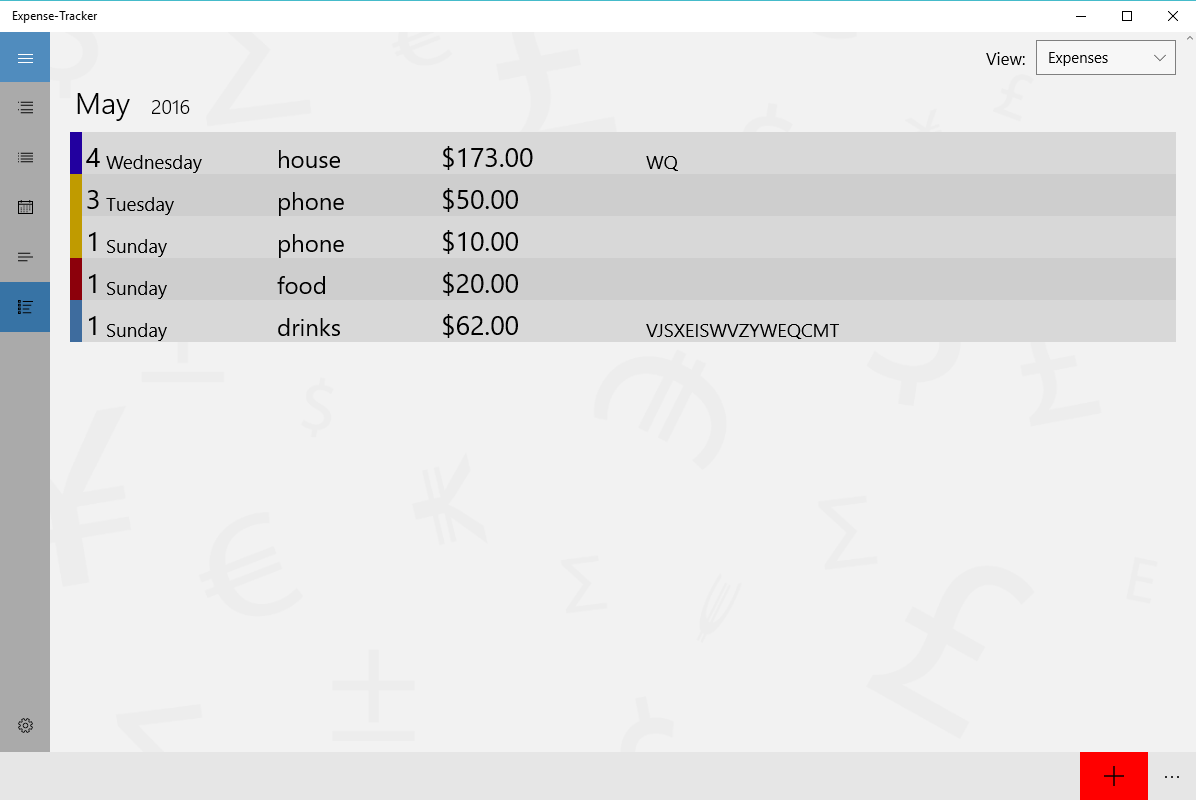
- Unified Income and Expense Logging: Easily input your daily transactions, categorizing your cash flow to see exactly how your funds are distributed.
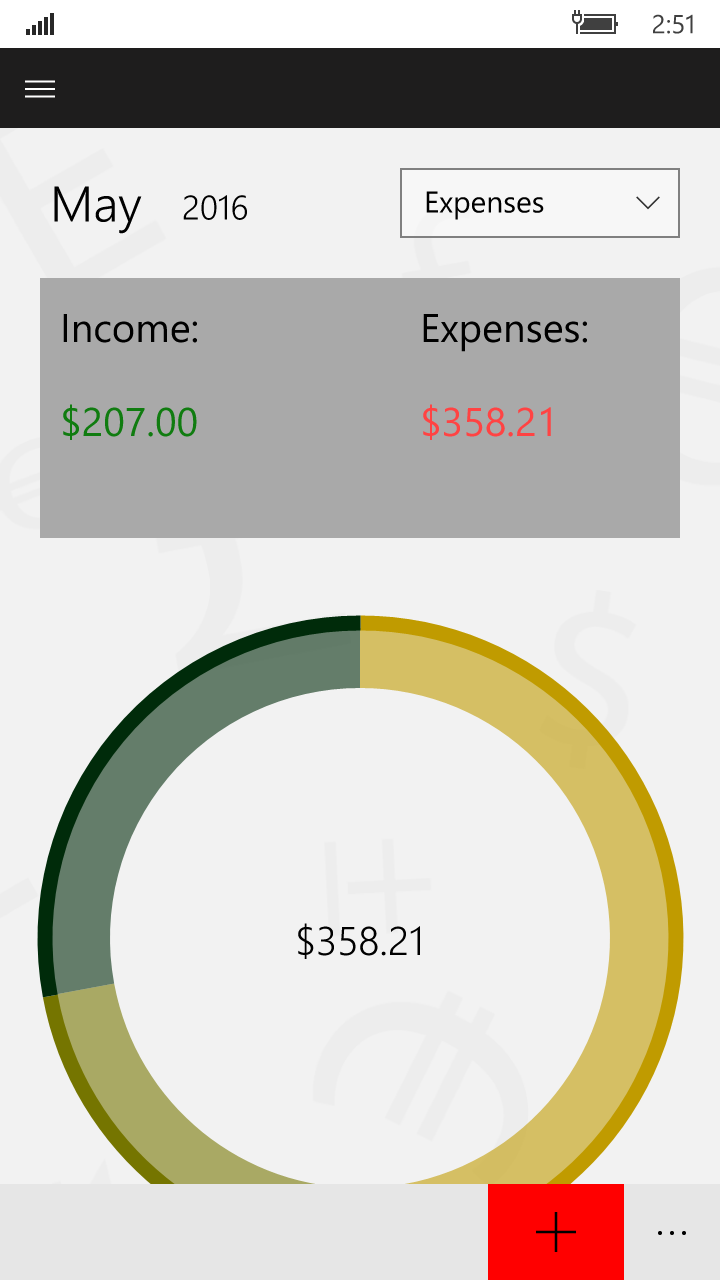
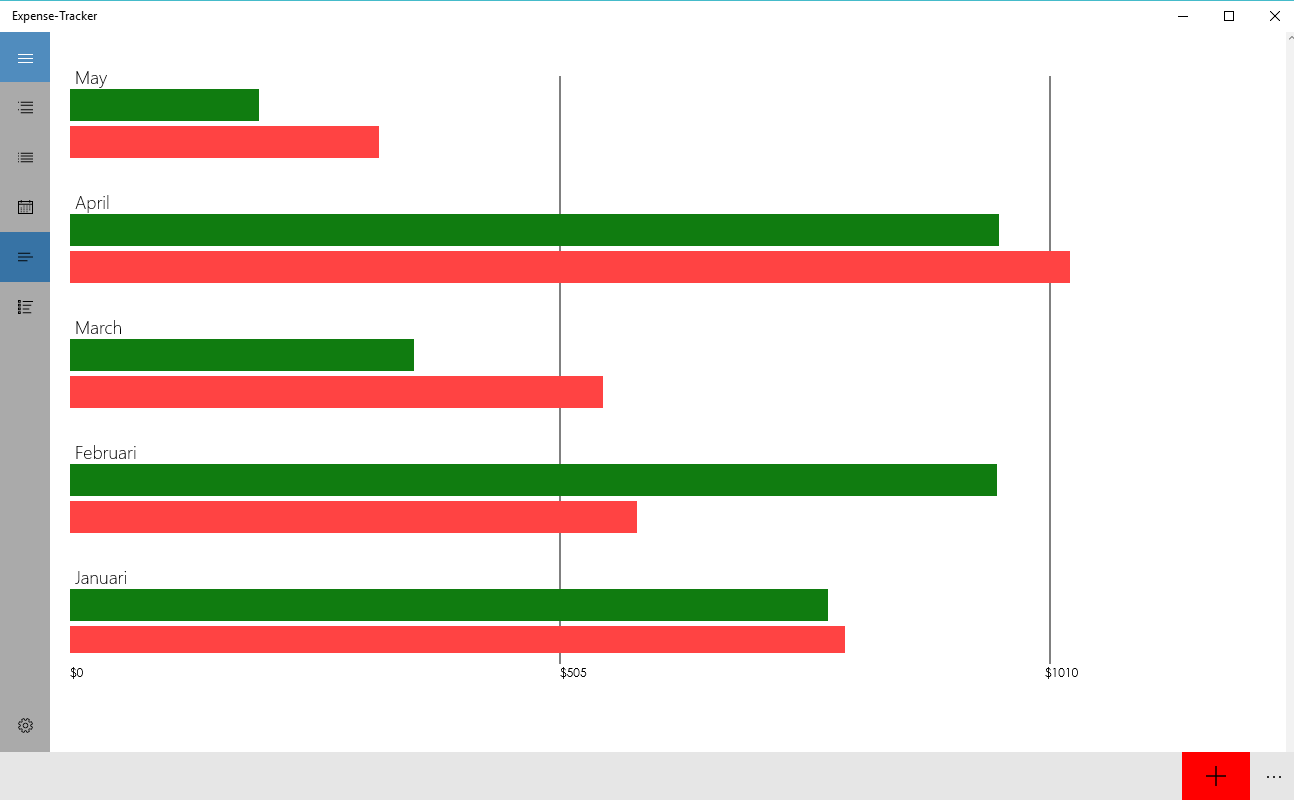
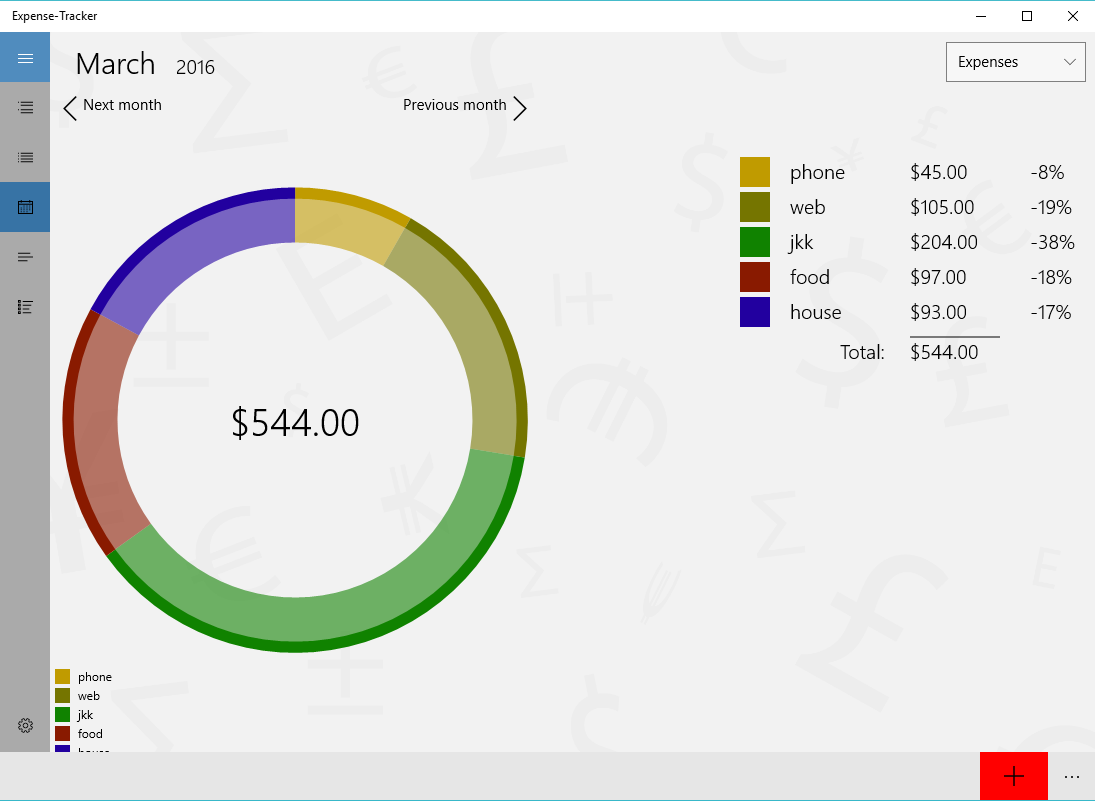
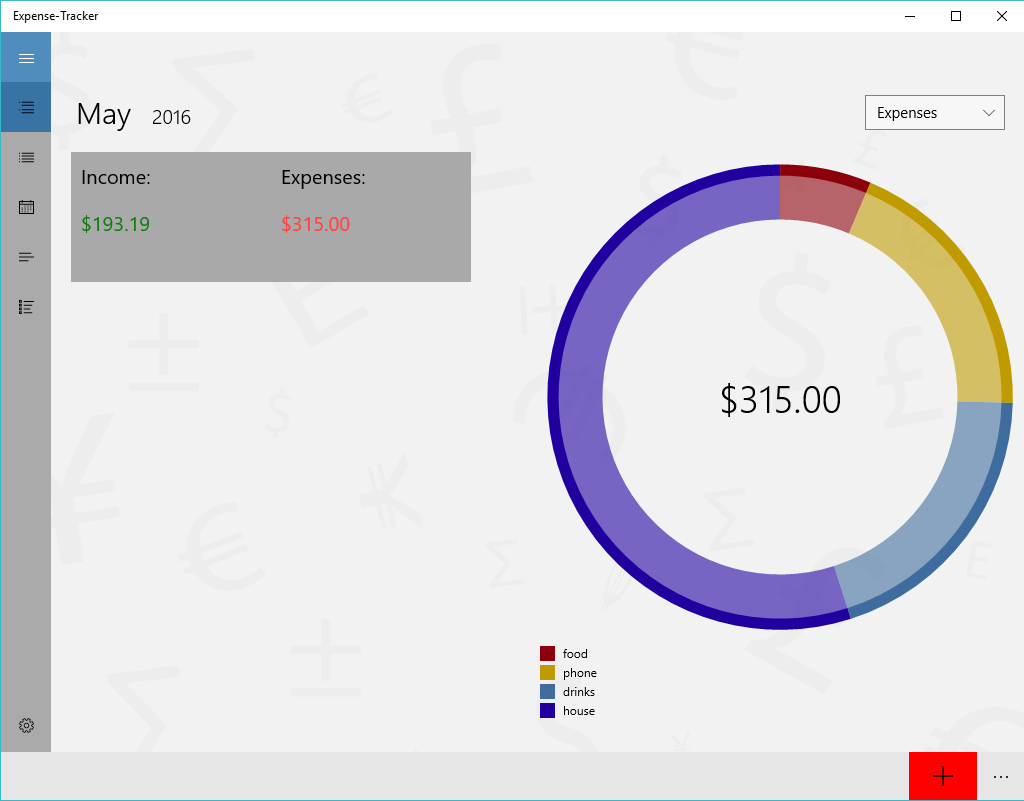
- Visual Financial Insights: The application translates raw numbers into beautiful, easy-to-read graphics and charts, making financial analysis intuitive at a glance.
- Live Tile Integration: Windows users can pin the application to their Start menu to receive quick updates and gentle reminders to register daily transactions.
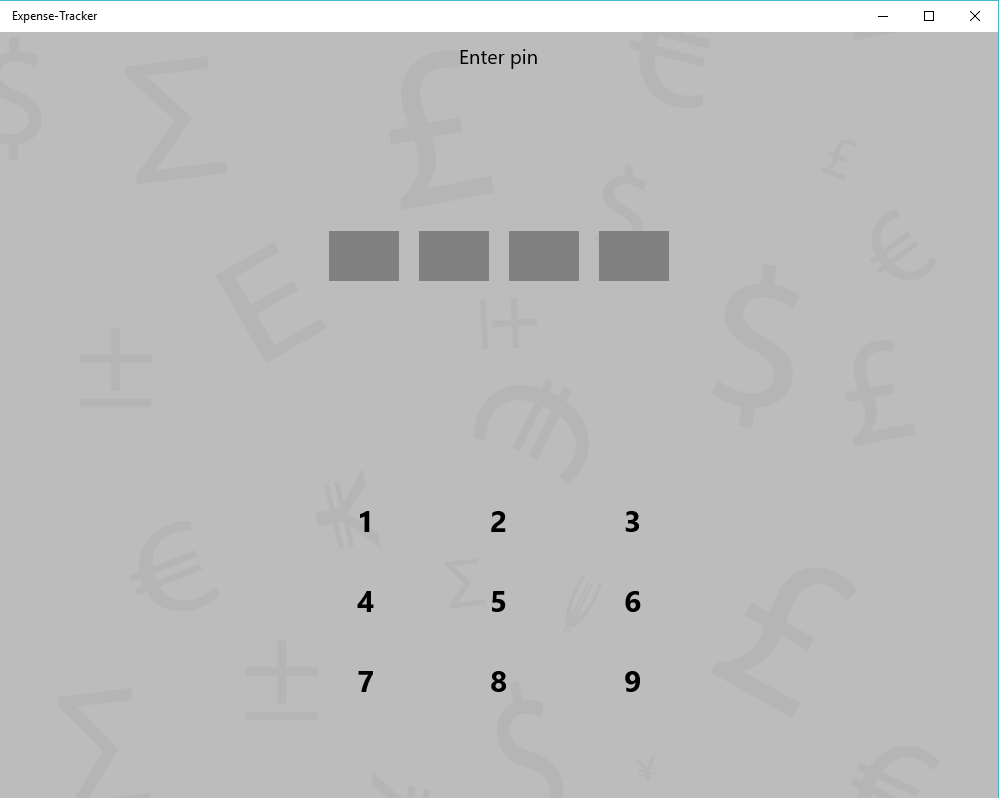
- Data Protection: Keep your sensitive financial information secure from prying eyes by setting up a personalized PIN code lock.
Who Is This Tool Designed For?
The Expense-Tracker personal finance app is built specifically for individuals who appreciate simplicity. Unlike complex corporate accounting software, this application focuses on the core essentials of personal budgeting. It is an ideal match for students managing weekly allowances, freelancers tracking project-based income, or families looking to keep daily living costs strictly within a set limit.
Our Editorial Verdict
Managing money does not have to be a chore. By focusing on quick entry and clear visual feedback, this software lowers the barrier to maintaining consistent financial habits. If you are looking for a secure, native Windows utility to oversee your wallet, this tool offers a highly practical, no-nonsense approach. To begin monitoring your budget, head over to the official Microsoft Store page to explore the application today.